
Trial balance mapping without the spreadsheet archaeology
Every engagement starts with a trial balance in someone else’s chart of accounts, often in another language. ZAF Tools imports it, translates descriptions to English, scans the structure and proposes a mapping to your reporting hierarchy. You amend what it got wrong and move on.
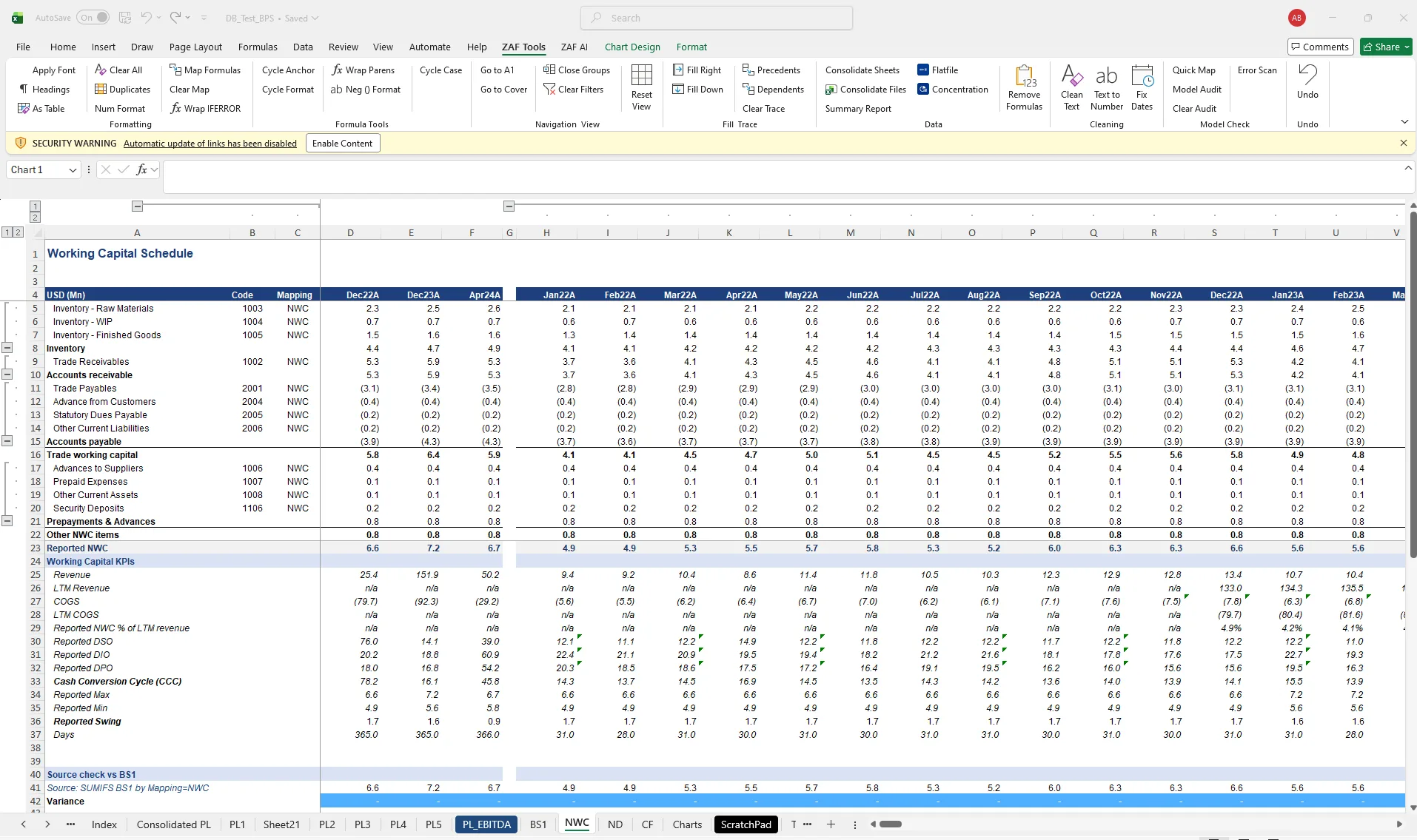
Mapping is the least glamorous and most error-prone part of FDD. A miscoded account distorts every schedule downstream, and nobody finds it until the balance sheet does not balance.
- Mapped TB with hierarchy codes
- Exceptions list of unmapped or ambiguous accounts
- Reusable hierarchy mapping template per client
- Group consolidation across entities
How it works
- Import the TB (Excel, CSV or from a PDF via Import PDF).
- Translate TB converts non-English account descriptions.
- Scan TB checks structure, duplicates and sign conventions.
- AI Map suggests hierarchy codes; Amend Mapping fixes exceptions; Refresh Missing TB Codes catches anything new when a later TB arrives.
Questions about trial balance mapping
Can I reuse a mapping on the next deal?
Yes. Export Hierarchy Template saves the mapping; Import Hierarchy Mapping applies it to a new TB.
What about multi-entity groups?
Group Consolidation maps each entity’s TB and consolidates into one set of statements.
Related
- Quality of Earnings — Normalise EBITDA and trace every adjustment to source, inside the databook.
- Build financial statements — From mapped TB to P&L, balance sheet, NWC, net debt and cash flow schedules.
- Working capital & net debt — Monthly NWC, DSO/DIO/DPO, seasonality and net debt schedules.
- Trial balance mapping template — template
- ZAF Tools vs Daloopa
See it on your own trial balance
Book a 30-minute live demo on your own trial balance, or request a trial for your team.